Your style, on you.
See how a garment looks on you before you buy it — from any shop, using one photo you have already taken.
Coming soon to the App Store
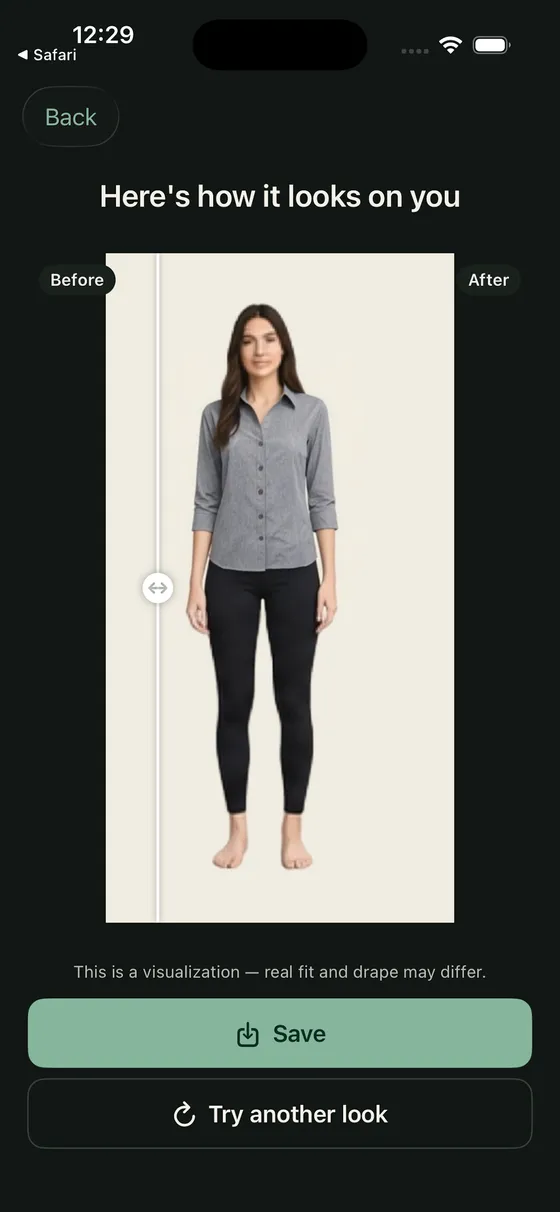
How it works
-
Add your photo
One full-body photo, taken once. It stays on your device until you ask for a try-on.
-
Share a garment from any shop
Tap Share on a product and choose Try-On, or paste the link. No account, no shop to install.
-
See it on you
Build a look from up to 6 pieces and try it on. Every look is saved on your device.
-

Share from any shop. -
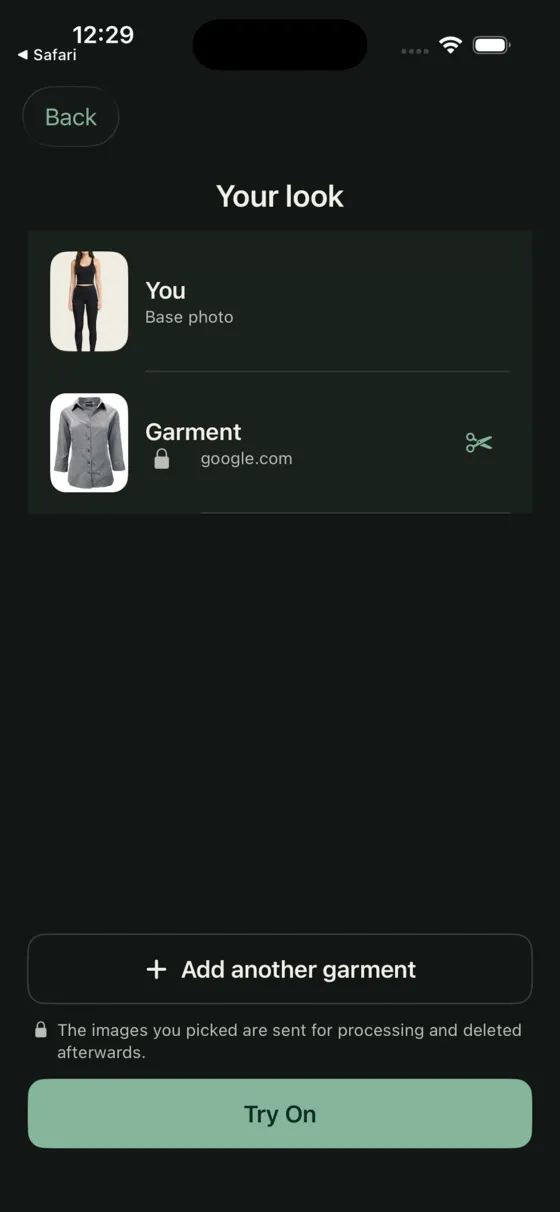
Your photo and the garments, in one look.
Your photo is yours
The photo you take lives on your device. Nothing is uploaded while you set it up, crop it, or change its background — that work happens on the phone.
When you tap Try On, the images you picked are sent for processing and deleted afterwards, within 1 hour. There is no account, no profile, and no advertising identifier.
Try-On is not affiliated with the shops whose products you share. Product images belong to their retailers and are used only to build your look.
What it costs
10 try-ons are free. Premium raises the limit to 200 per period, and everything else — your photos, your looks, your history — works the same either way.